The first all-in-one presentation control platform built specifically for live event professionals.

Join the Waitlist →
The Problem

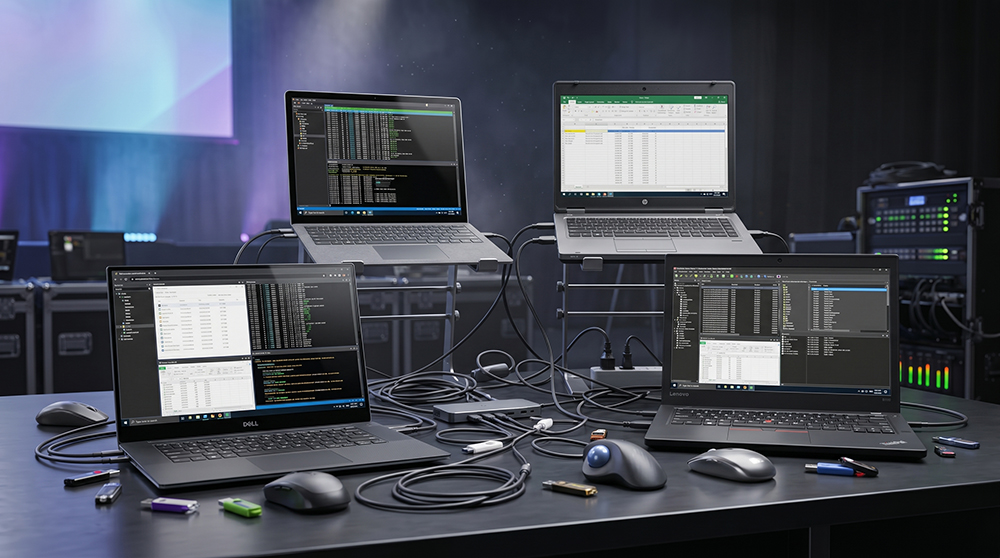
A stack of laptops, a pile of cables, and too many moving parts.

Every machine loaded by hand. Every update repeated. Every last-minute change multiplied.

It's inefficient. It's messy. It sucks.

A chaotic live event production desk with multiple laptops and cables
How It Works
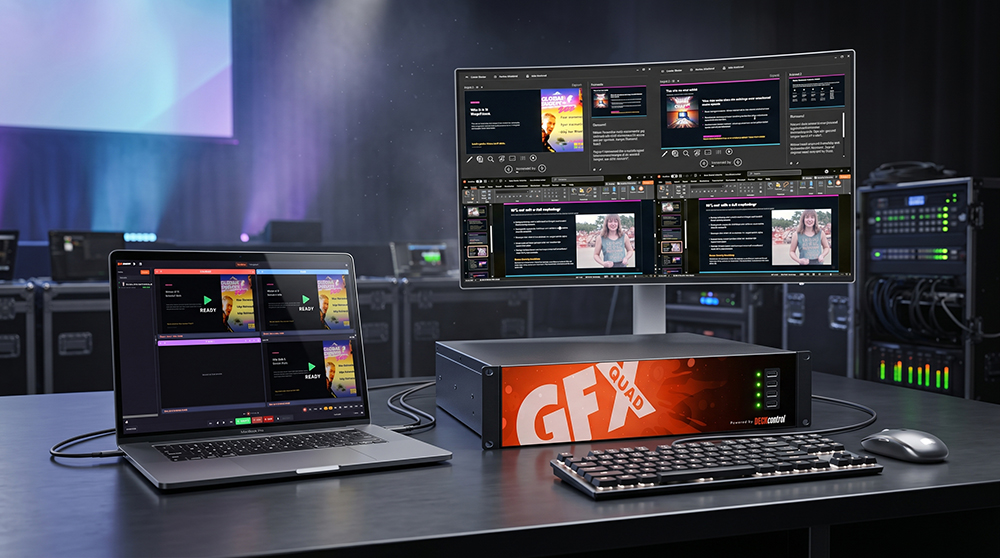
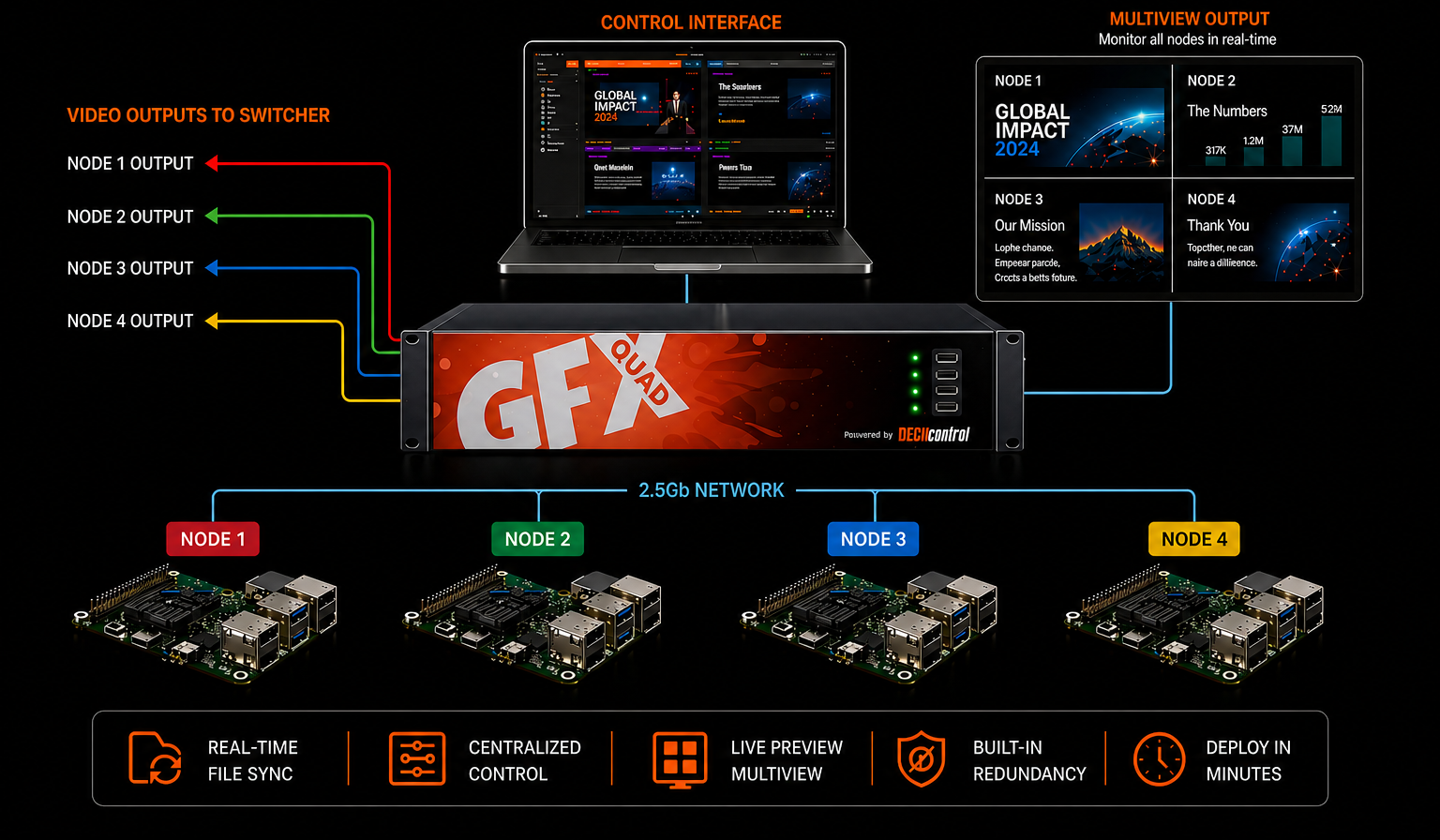
One Mac orchestrates everything
The Mac is your control surface
Quadrant System

Assign each PC a role

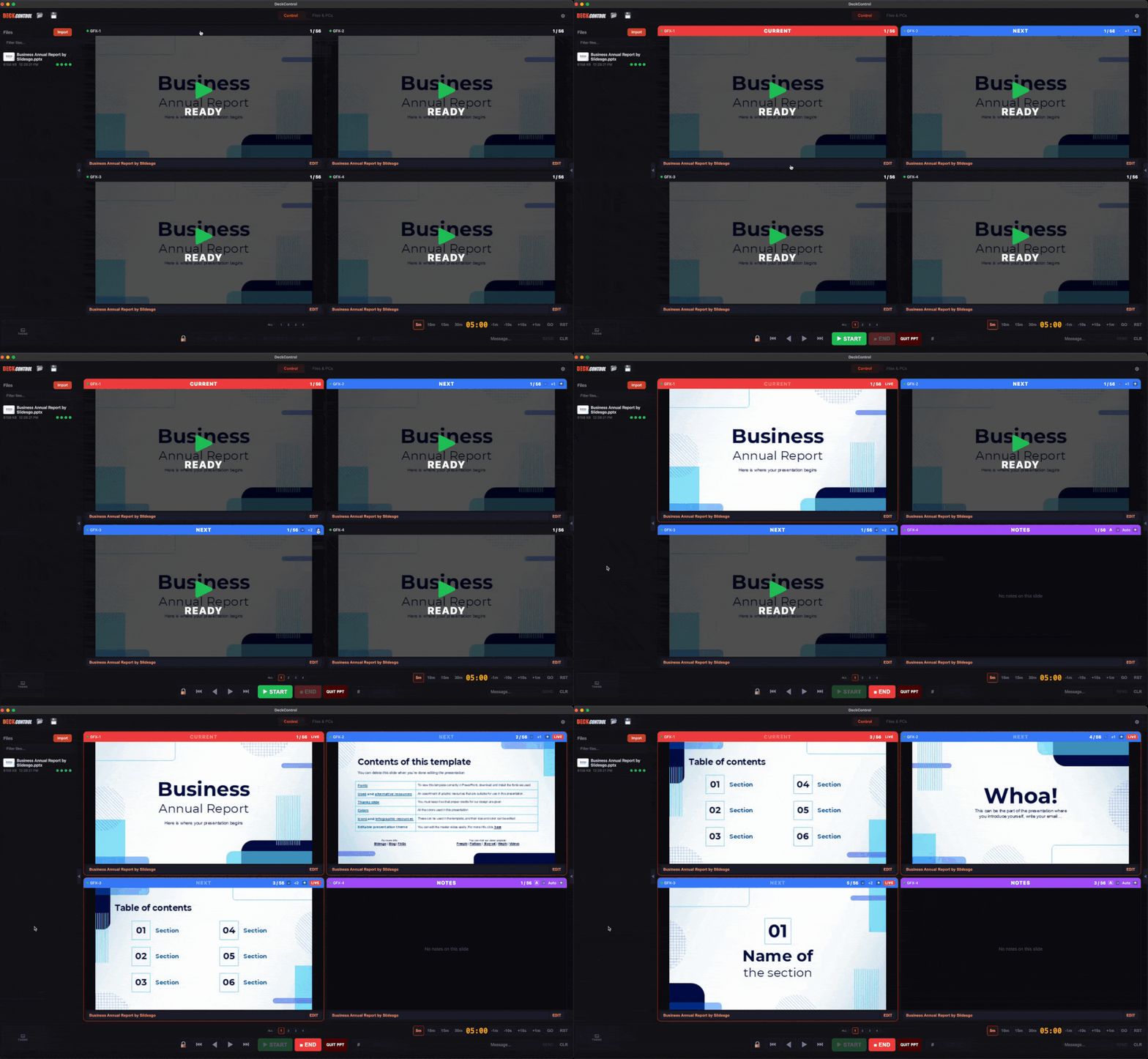
Up to four PCs get a state — CURRENT, NEXT, NOTES, or FREE. Each is controlled and monitored independently.

CURRENT
● LIVE
Slide 12 / 28
The active presentation. Navigate slides, go to first/last, start or end the slideshow remotely.
NOTES
Speaker notes display
Dedicated speaker notes overlay on a separate PC, auto-scaling text. Stays in sync with CURRENT.
FREE
No file loaded
Available for standby, additional displays, or future assignment. Wake-on-LAN and remote shutdown available.
Producer Console

Front-of-house control from any browser

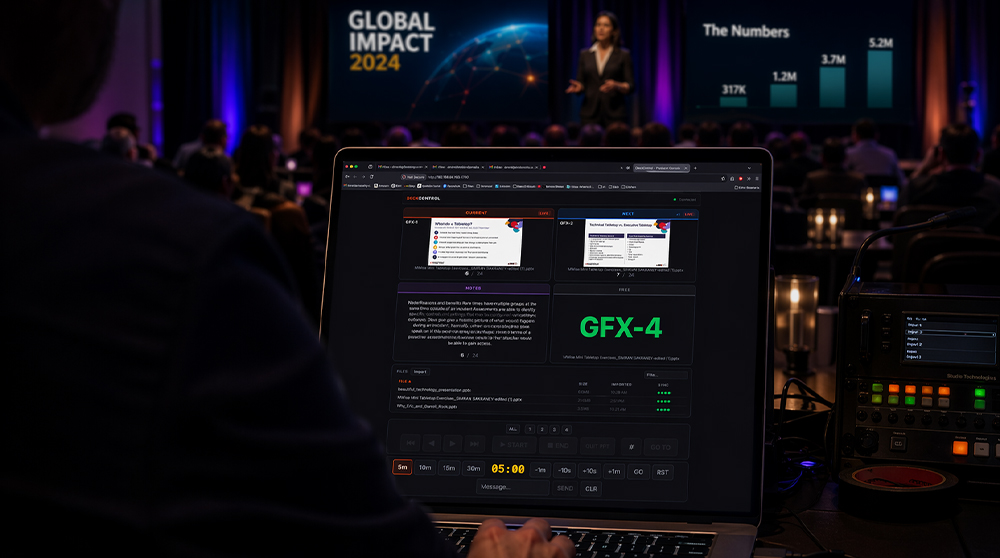
Open http://mac-ip:4780 from any laptop, tablet, or phone on the LAN. No install. No app. Full control.

  • Live slide thumbnail grid — auto-refreshing every 2 seconds
  • Arm / disarm quadrants for quick role switching
  • Countdown timer with 5 / 10 / 15 / 30 min presets
  • Operator messages sent to all displays
  • Password protection + one-click web lockout
  • Navigation flash mirrors Mac control app in real time
http://192.168.1.42:4780
HALL-PC-01
LIVE
CURRENT
ARM
STAGE-PC-02
NEXT
ARM
NOTES-PC-03
NOTES
AUX-PC-04
FREE
idle
wake
shut
Timer
14:32
5m
10m
15m
30m
Everything included

Built for live events

Auto-discovery
Agents found via mDNS — zero manual IP configuration needed.
Proactive NEXT sync
NEXT PCs advance with CURRENT — bypasses the poll cycle entirely.
📂
File management
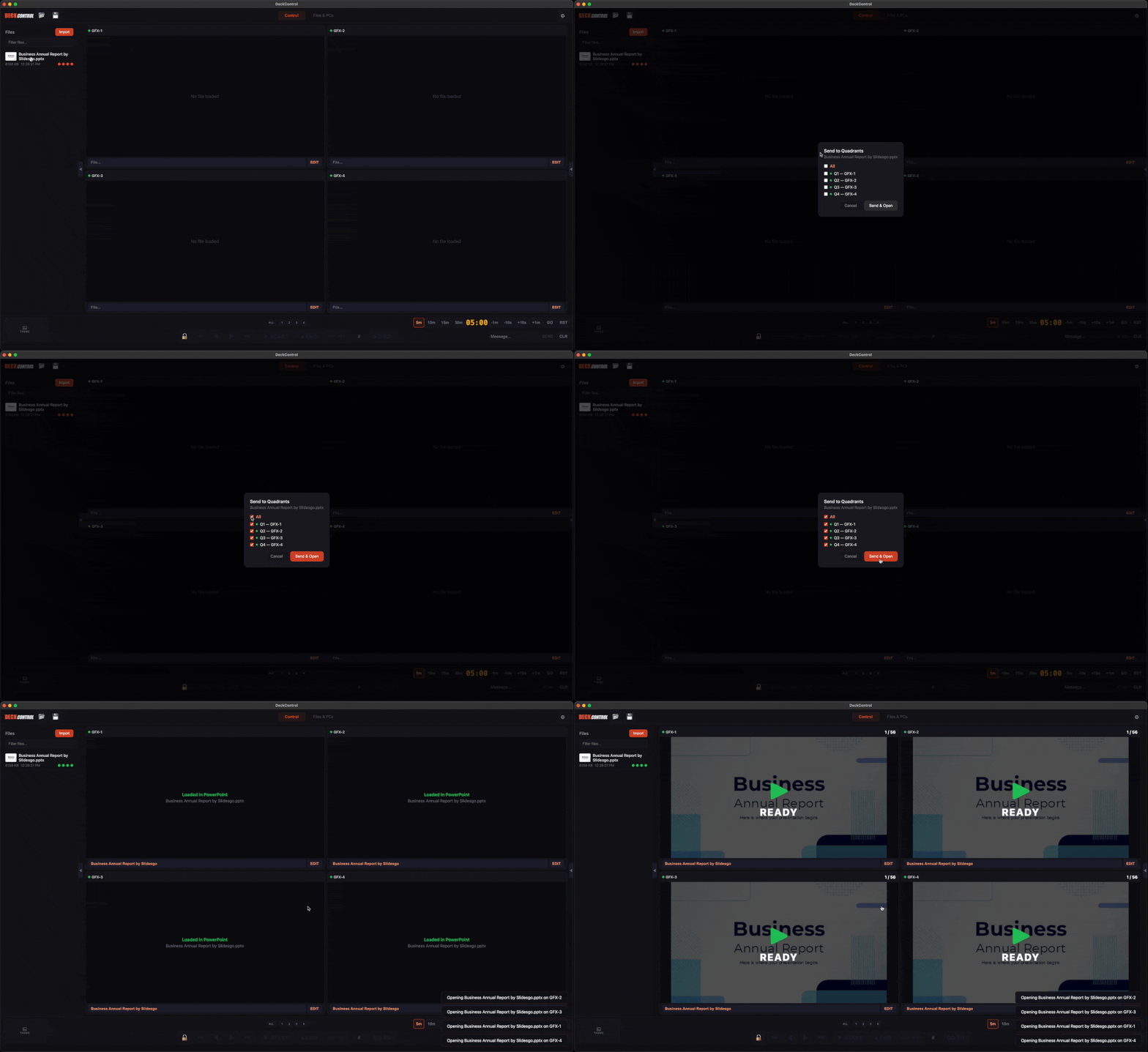
Import, distribute and sync .pptx files across all PCs from one place.
Gmail integration
Sign in to Gmail and drag PowerPoint attachments straight into DeckControl.
PC power control
Wake-on-LAN and remote shutdown for every PC in your rig.
Companion integration
Physical button panels via Bitfocus Companion on TCP port 4779.
💾
Session management
Save and reload full setups — PC assignments, files, queues and offsets.
🔒
Edit mode lockout
All controls lock during multiviewer EDIT mode with an amber warning banner.
Multiviewer control
Serial control of HDMI multiviewers for quad and single view switching.
Early access

Join the Waitlist

DeckControl is coming soon. Be first to know when it's ready — and get priority access when we open up early licenses.

No spam. No commitment. Just a heads-up when DeckControl is ready.